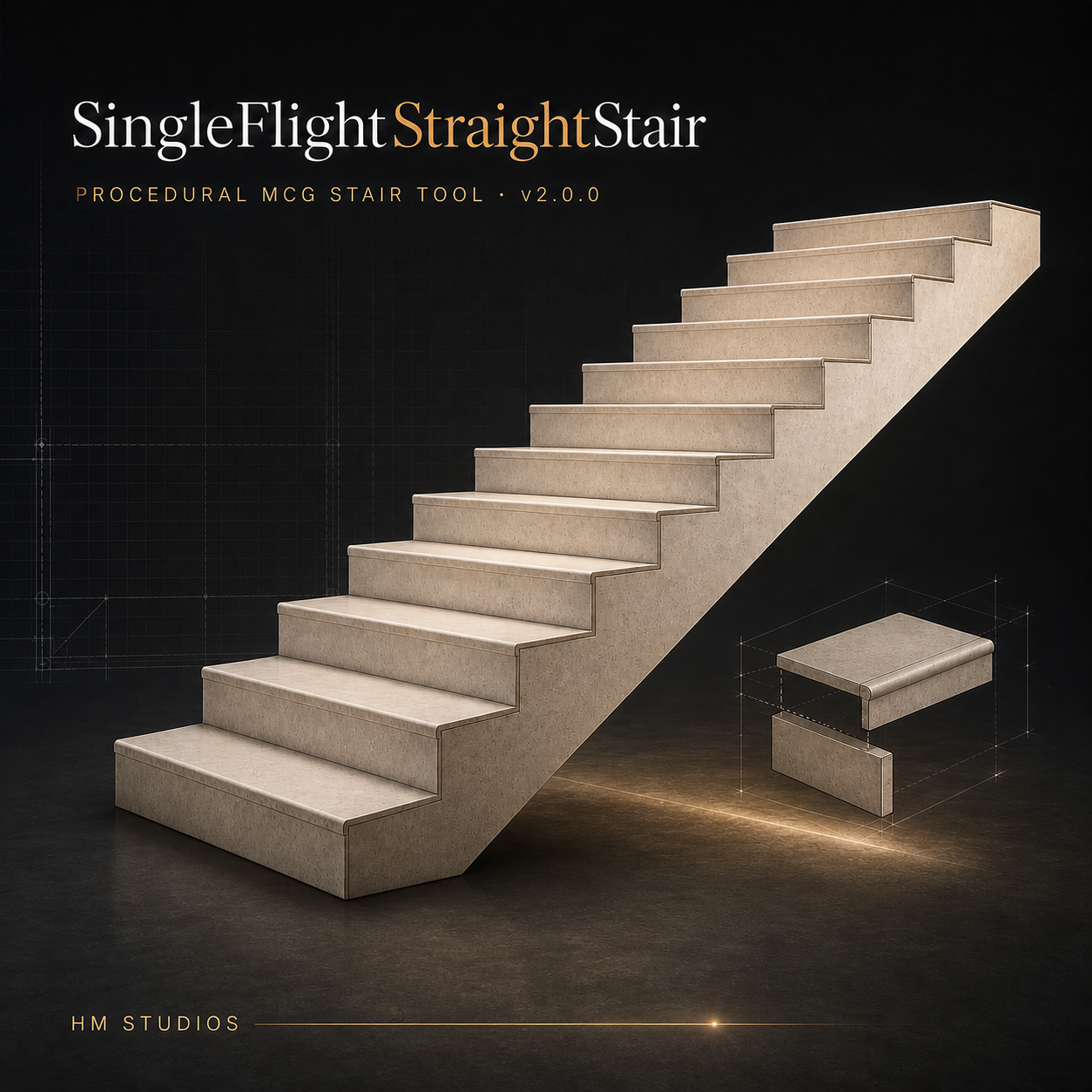
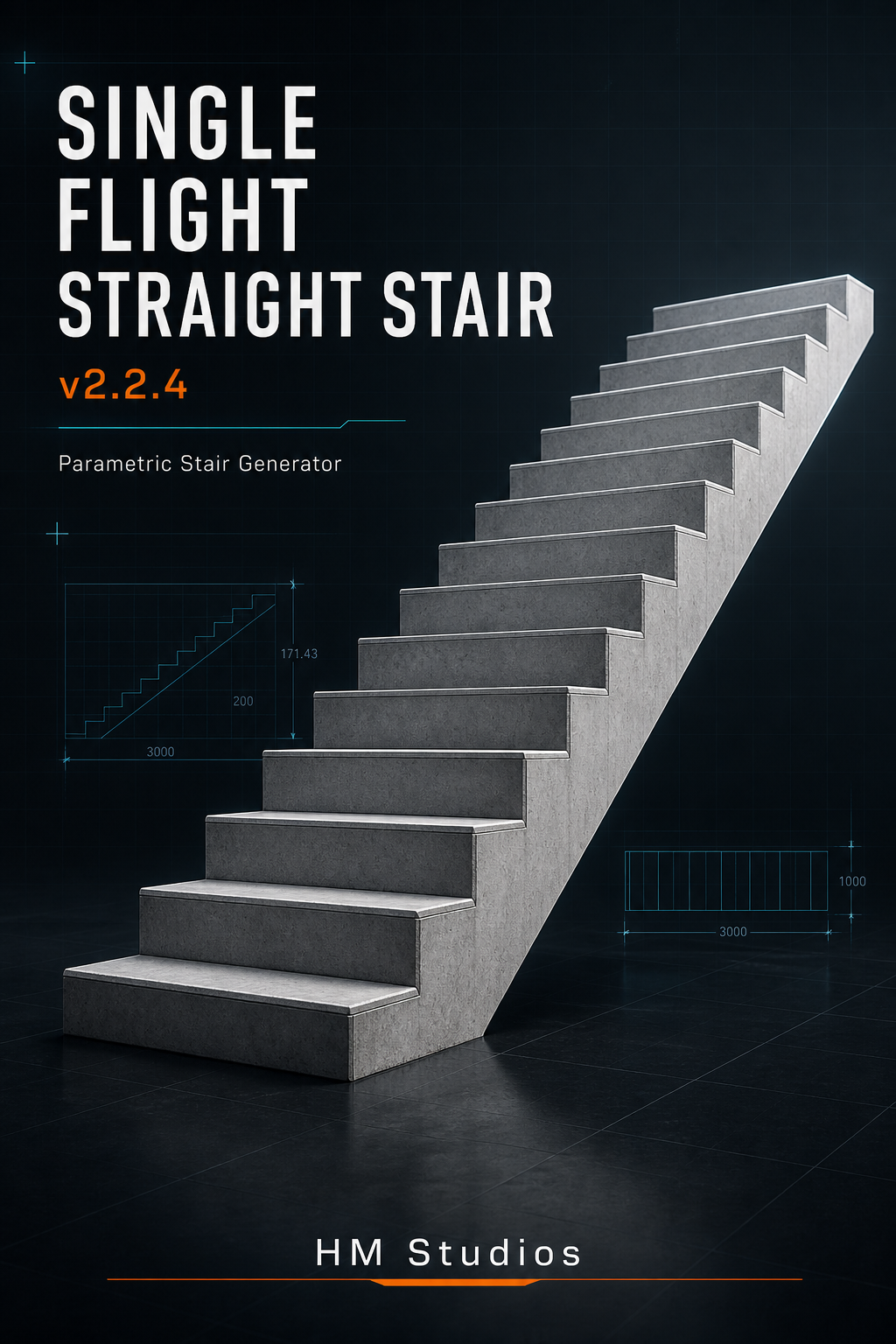
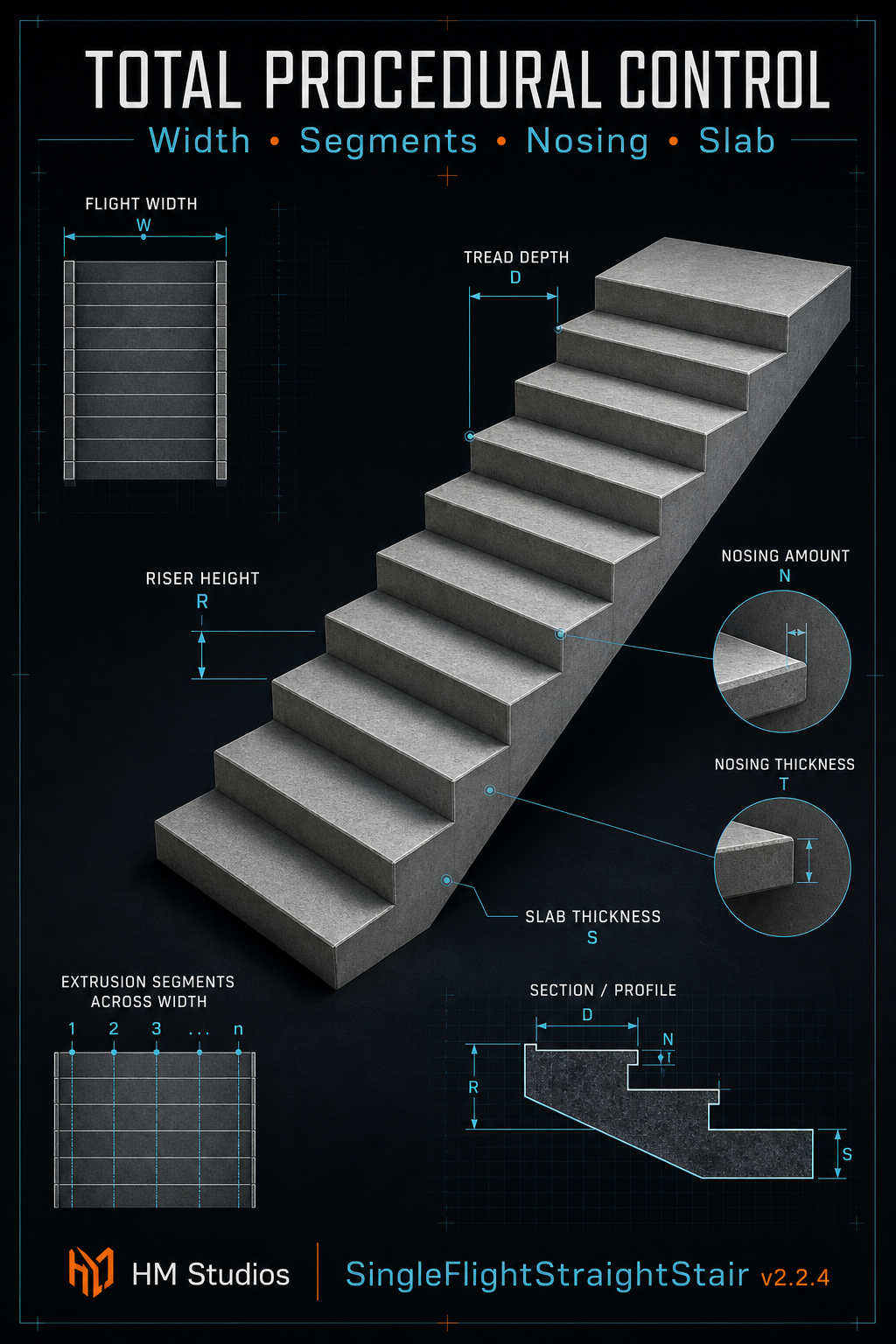
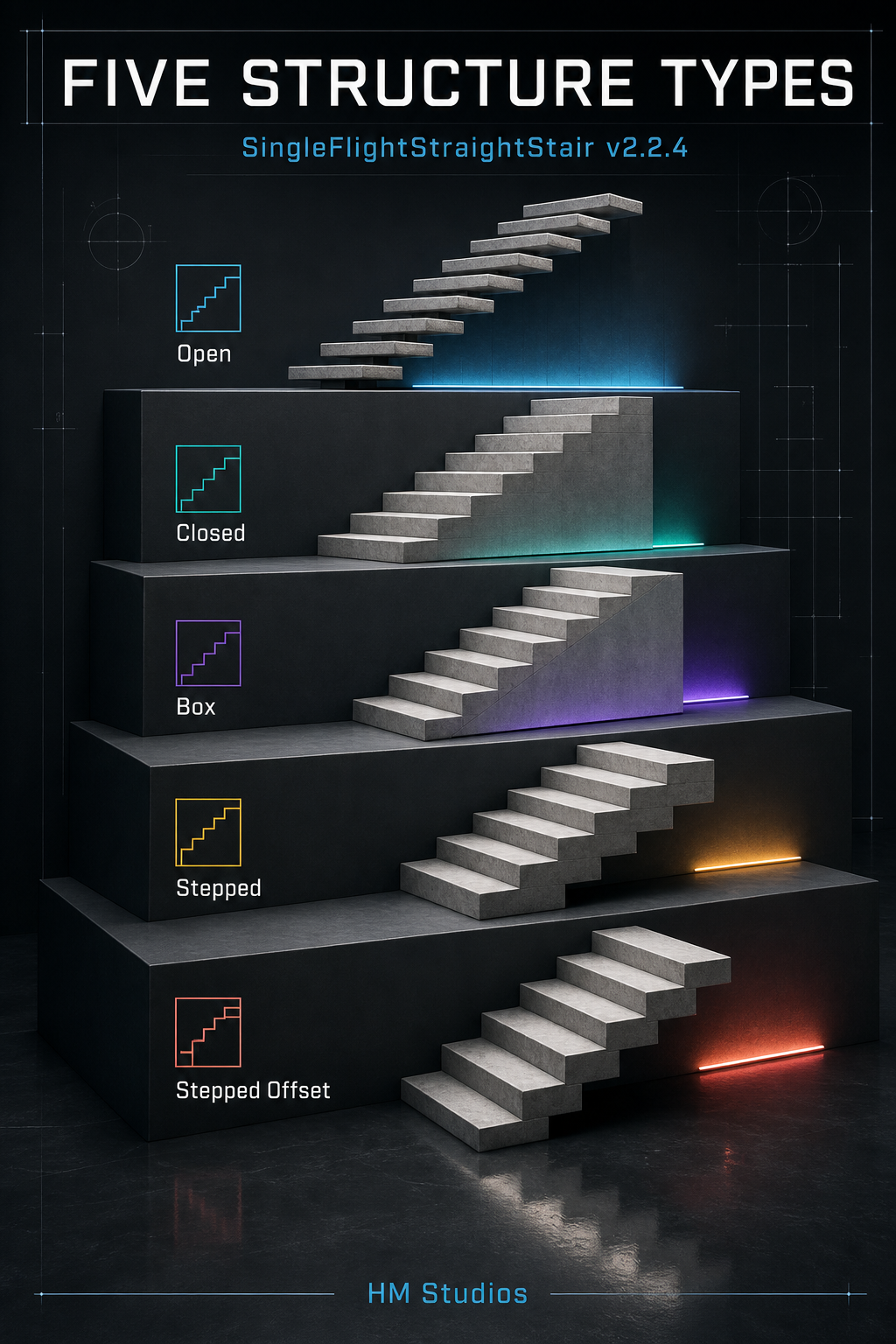
SingleFlightStraightStair procedural MCG object is a parametric 3ds Max tool designed for fast, accurate staircase generation. It offers five structural types (Open, Closed, Box, Stepped, and Stepped Offset) with full control over dimensions, nosing, segments, and UV mapping to deliver capped, production-ready geometry for architectural visualization.
Single Flight Straight Stair Procedural MCG Tool for 3ds max
15,00 $
Single Flight Straight Stair Procedural MCG Tool for 3ds max 2023-2027
SingleFlightStraightStair — Version 2.2.4
SingleFlightStraightStair procedural MCG object is a powerful parametric stair generator for Autodesk 3ds Max, built to create accurate, production-ready straight staircases in seconds. Choose from Open, Closed, Box, Stepped, and Stepped Offset structures, then precisely control dimensions, slab thickness, tread nosing, extrusion segments, mapping coordinates, and more—all through an intuitive procedural workflow.
Design faster, revise effortlessly, and generate clean, fully capped geometry ready for architectural visualization and detailed 3D production.
Options and features
- Adjustable step count from 2 to 100
- Independent flight width, tread depth, and riser height
- Live calculation of:
- Total risers
- Total treads
- Overall stair height
- Three construction types:
- Open: Separate treads with an open underside
- Closed: Treads and risers supported by a continuous inclined slab
- Box: Individual stepped masses extending toward the base
- Adjustable inclined-slab thickness
- From step 1 option for controlling where the inclined slab begins
- Optional tread nosing with adjustable:
- Projection amount
- Tread thickness
- Side extensions using Both sides
- Optional mapping-coordinate generation
- Real-world map-size support
- Unit-aware dimensional parameters
- Clean procedural geometry that updates immediately when parameters change
Technical requirements
- Autodesk 3ds Max with Max Creation Graph support
- Developed and tested with 3ds Max 2023 – 2027
- 3ds Max 2023 or later is recommended
- No third-party plugins required
Installation .mcg file in 3ds Max
- Open 3ds Max.
- Go to Scripting → Install Max Creation Graph (.mcg) Package.
- Browse to and select the
.mcgfile. - Confirm the installation.
- Restart 3ds Max if the tool does not appear immediately.
- Open the Create panel and select the tool’s assigned category—such as Procedural Architecture.